3D for woodworkers, not engineers
Design it in 3D.
Build it from the cut list.
Woodforge is a wood-first design tool — every model is made of real boards with real joinery, so the cut list, the lumber cost and the cut diagrams fall out automatically.
Design with real boards
Every part is a board cut from real stock — 2×4s, sheet goods, hardwood. A 2×4 is 1½″ × 3½″, and Woodforge knows it.
Add real joinery
Dados, rabbets, holes and dowel bores, miters — parametric cuts you can edit any time, not frozen geometry.
The cut list writes itself
Parts are nested onto stock boards and sheets with kerf, so you get real board counts and cut diagrams — not estimates.
Know the cost before you buy
Lumber-run total in your currency, with offcut percentages. Resize the design and the price follows.
Change the design, the cut list follows
This is the actual cut list for the workbench above, produced by the same engine that runs in the editor. Stretch the bench to fit your shop and every board, count and price updates instantly — nothing to recalculate by hand.
See the full workbench plan →Blueprints that draw themselves
Every design exports a shop-ready plan: an exploded view with lettered parts, dimensioned front, side and top drawings, joinery callouts, and the cut list — all generated from your model and printable as a PDF. What you see here is the real plan output for the workbench, not an illustration.
Design something and print its plan →From flat model to a finished render — in seconds
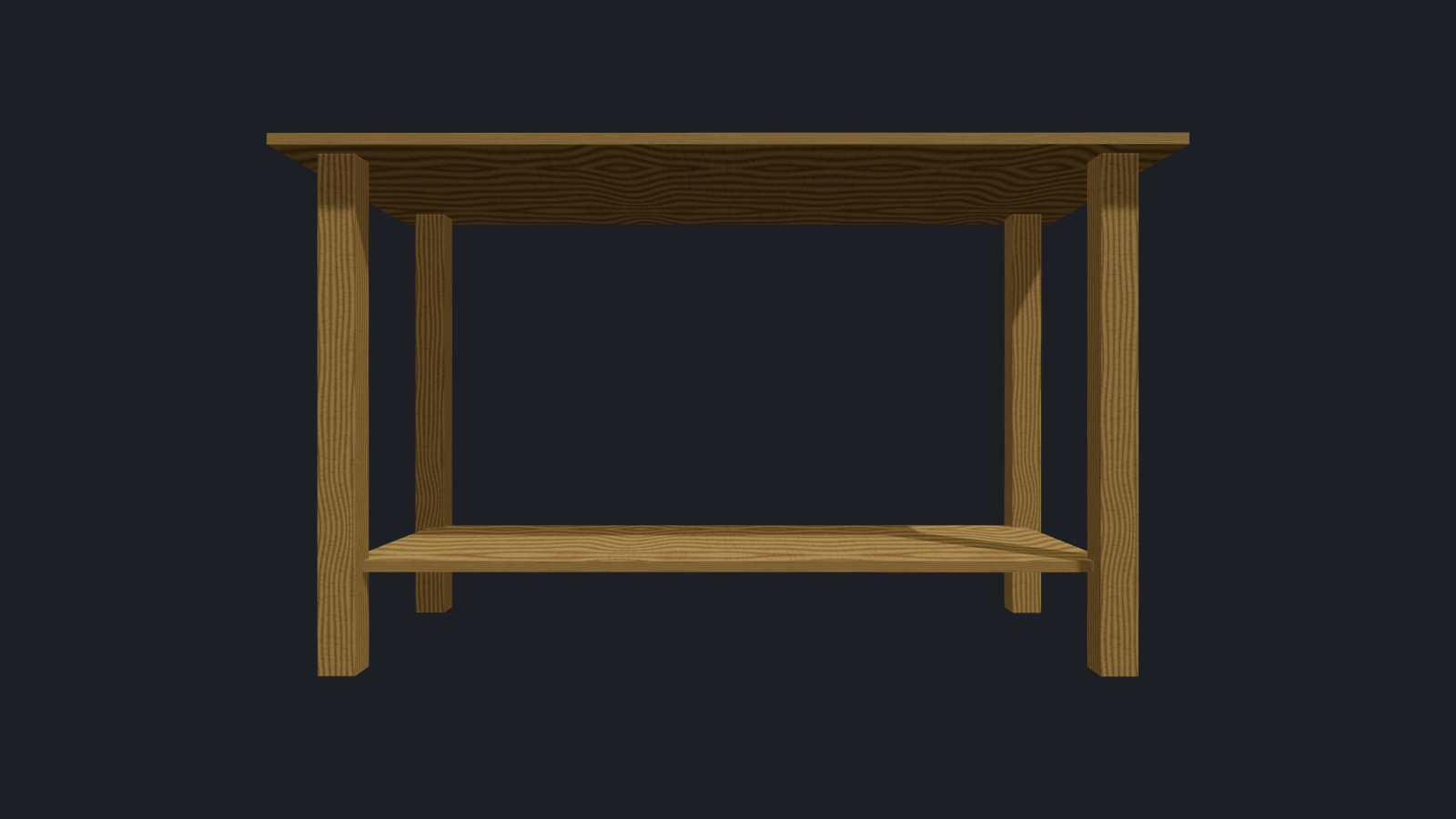
One click renders your design on your own GPU, right in the browser — soft shadows and real light, no upload and no wait for a render farm. A clean way to show a client or post the build before a single board is cut. Drag the slider: both images are the same workbench, straight out of Woodforge.
Open the studio and render yours →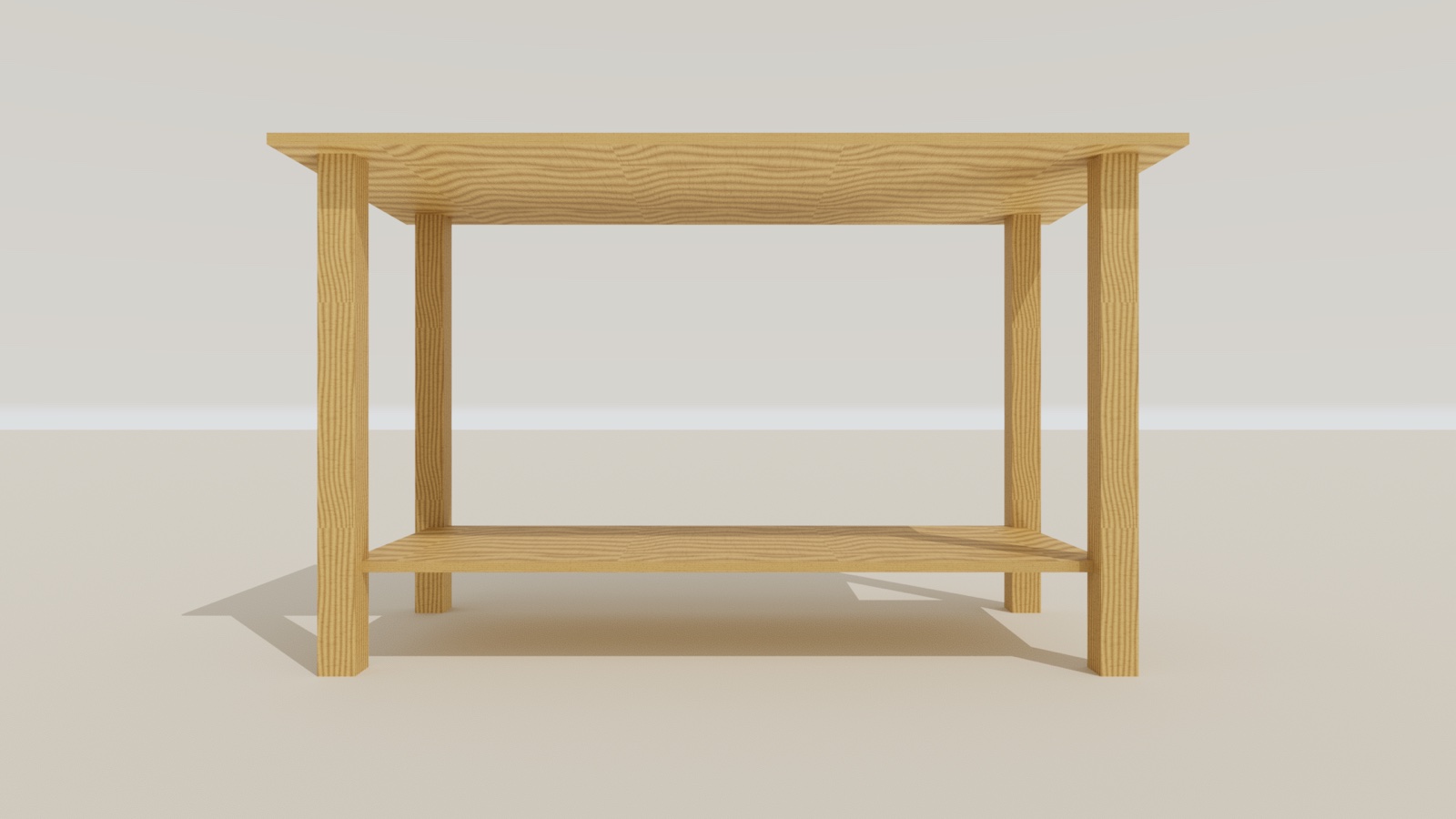
 In the editorRender
Cutplan — cut lists that fit the sheet
Type your panels and the boards you have; Cutplan nests them as a panel saw cuts — straight edge-to-edge cuts, numbered in the order you make them — and updates live while you type. Grain direction, blade kerf, edge banding and minimum offcut size are all respected, and every reusable offcut is measured for you.
- Numbered cut orderRips in red, cross-cuts in blue — follow the numbers at the saw.
- Grain, kerf, bandingPieces keep their grain, the blade width is accounted for, banded edges are marked.
- Any stock you haveMix board sizes and quantities; identical sheets stack, offcuts are listed.
- Print & labelsOne page per sheet, the cut sequence, and a label for every piece.
Free, works offline in your browser, and signs in with your Woodforge account.
Open Cutplan →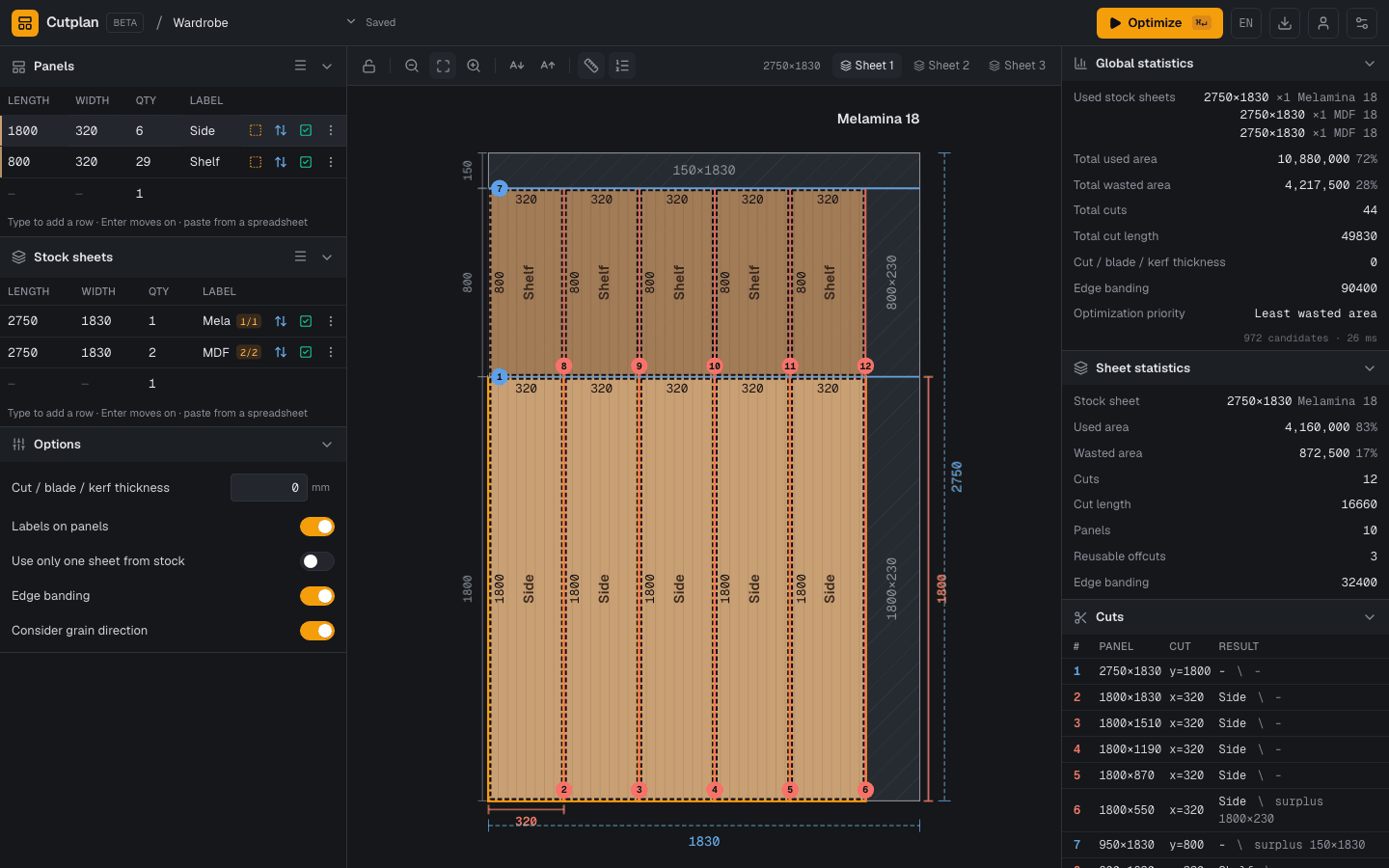
- Sheets used
- 3
- Material used
- 72%
- Cuts
- 44
- Cut length
- 49 830 mm
- Edge banding
- 90 400 mm
- Unable to fit
- none
6 sides 1800×320 + 29 shelves 800×320, all edges banded, on 2750×1830 boards.
Built for the way wood actually works
Imperial fractions & metric
Type 1 1/2″ or 38 mm — both work everywhere, switchable per project.
US & LATAM lumber catalogs
Dimensional lumber, sheet goods and hardwoods with regional sizes and prices, in your own currency.
Cut nesting & diagrams
1D and 2D nesting with kerf shows exactly how to cut each board and sheet, with offcut %.
Shop-ready plans & PDF
Exploded view with lettered parts, dimensioned drawings, joinery callouts, cut diagrams and cost — print it and build.
Share a 3D link
Send anyone a read-only, orbitable 3D view of your design. They can open a copy and customize it.
Free & local-first
Runs in your browser, saves on your device, no sign-up to start. Optional account for cloud sync.
Start from a free plan
Open any plan in 3D, resize it to your space, and get the exact cut list.
Woodforge Pro
BetaEverything is free to design and build with. Pro adds unlimited cloud projects and STL export — $6/month or $48/year.
Your next build, planned in minutes
Free, in your browser, no sign-up. Open the studio and drop your first board.
Start designing — free